
NATIONWIDE HUB · APPLICATION DELIVERY
Keep application traffic moving with F5 BIG-IP LTM
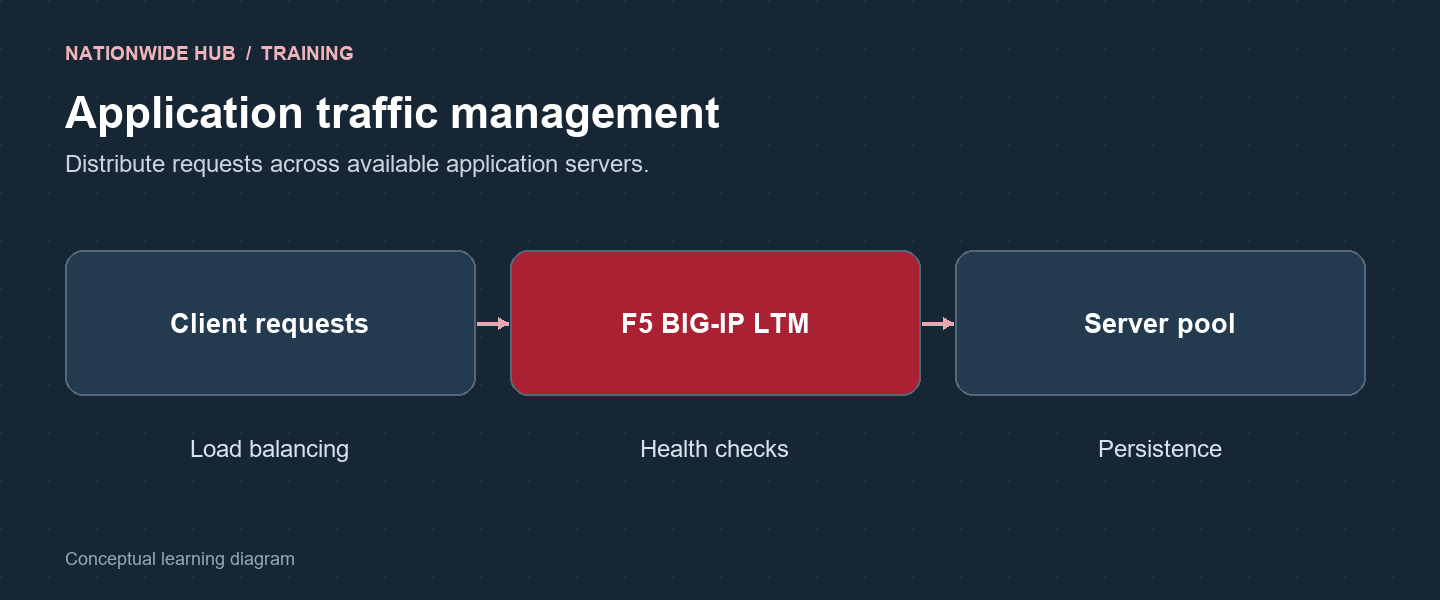
Learn the building blocks of load balancing, application availability, traffic persistence and BIG-IP operations.
Enquire about this trainingCourse overview
A two-month instructor-led online programme with hands-on learning. Start with nodes, pools and virtual servers, then work through load-balancing methods, health monitoring, profiles, persistence, SSL, logging and high availability.
Provider: Nationwide Hub
Duration and format: 2 months · instructor-led online training with hands-on practice. Confirm dates and class times with our team.
Who is this for?
Network engineers, application infrastructure administrators and IT professionals responsible for application delivery and availability.
Recommended preparation
An understanding of TCP/IP, routing, HTTP/HTTPS and basic server administration is recommended.
What you will learn
- Configure BIG-IP nodes, pool members, pools and virtual servers.
- Choose load-balancing methods and verify health monitors.
- Apply profiles, persistence, NAT and SNAT.
- Understand SSL offload, client SSL and traffic optimisation.
- Use logs, SNMP, packet captures, CLI and iRules for operations.
Detailed course syllabus
01 · BIG-IP LTM foundations
Introduction to BIG-IP and Local Traffic Manager; application delivery and load-balancing concepts.
02 · Core configuration objects
Nodes, pool members, pools and virtual servers: concepts and configuration.
03 · Deployment and network setup
Deployment models, Self IP addresses, VLANs and port lockdown.
04 · Static load-balancing methods
Round robin and static ratio.
05 · Dynamic load-balancing methods
Fastest, least connections, predictive, weighted least connections and observed methods.
06 · Health monitors
Address, service, content and interactive monitors; monitor testing.
07 · Operational visibility
Status symbols and the network map for understanding object health and dependencies.
08 · Traffic profiles
Profiles and their role in processing application connections.
09 · Persistence
Source-address and cookie persistence.
10 · Address translation
NAT and SNAT, including SNAT automap.
11 · SSL processing
SSL offload and termination; client SSL configuration.
12 · Traffic control and fallback
Priority groups and fallback hosts.
13 · Connection optimisation
OneConnect concepts and configuration.
14 · Logging and monitoring
Local, remote and high-speed logging; SNMP.
15 · Command-line diagnostics
TCPdump packet capture and command-line operations.
16 · Programmable traffic handling
iRules concepts and use.
17 · High availability and troubleshooting
HA operation and troubleshooting of BIG-IP LTM deployments.
Practical learning
Build and test load-balancing configurations, inspect object health, explore persistence and SSL handling, and use operational tools to diagnose traffic behaviour. Confirm the lab platform, access period and software version with Nationwide Hub.
Plan your training with Nationwide Hub
Tell us your experience, preferred dates and whether you are booking for yourself or a team. We will confirm the fee, availability, timetable, trainer, lab access and completion arrangements before you enrol.
Frequently asked questions
When does the next course start?
Contact our team for upcoming dates and class times.
How much does it cost?
Request a quote for your course and number of participants.
Does the course include a vendor exam?
Ask our team about certification preparation, exam vouchers and any separate exam requirements.
What equipment will I need?
We will confirm connectivity, software and lab requirements for your cohort.