
NATIONWIDE HUB · NETWORK SECURITY
Secure networks with Palo Alto Networks firewalls
Build skills across firewall deployment, application-aware policies, threat prevention, secure remote access and centralised management.
Course overview
This course follows the firewall administration lifecycle: understand the platform, configure network connectivity and policies, identify applications and users, inspect traffic, establish VPN access and operate a resilient deployment.
Provider: Nationwide Hub
Duration and format: Contact us for the current course length, teaching format and schedule.
Who is this for?
Network administrators, security engineers and IT professionals developing practical Palo Alto Networks firewall administration skills.
Recommended preparation
Working knowledge of TCP/IP, routing, switching and basic firewall concepts is recommended. Discuss your experience with our team before enrolment.
What you will learn
- Configure interfaces, zones, virtual routers and NAT.
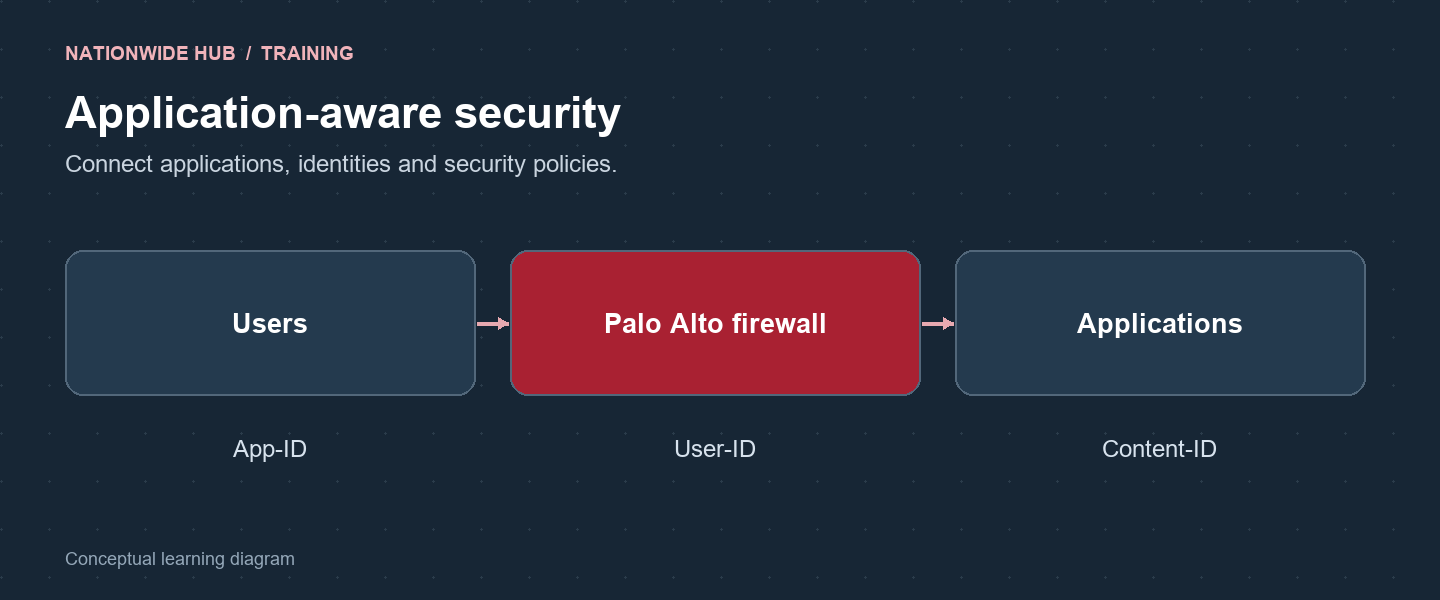
- Build application- and identity-aware security policies.
- Apply Content-ID protection, WildFire and SSL decryption.
- Work with IPsec VPN, GlobalProtect, logs and Panorama.
- Understand active-passive and active-active high availability.
Detailed course syllabus
01 · Platform architecture
Next-generation firewall architecture, single-pass processing and packet flow.
02 · Initial configuration and administration
Initial access, configuration management, licensing and software updates, and administrator accounts.
03 · Interfaces, zones and routing
Layer 2 and Layer 3 interfaces, virtual wire and tap modes, subinterfaces, DHCP and virtual routers.
04 · Security policies and NAT
Security configuration and policy administration; source NAT, destination NAT, U-turn NAT and dual NAT.
05 · Application identification
App-ID concepts, application groups and application filters.
06 · Content inspection and threat prevention
Content-ID; antivirus, antispyware, vulnerability protection, URL filtering, data filtering and denial-of-service protection.
07 · File analysis
File blocking and WildFire analysis.
08 · Certificates and decryption
Certificate management and outbound and inbound SSL decryption.
09 · User identification
User enumeration, IP-to-user mapping and the User-ID agent.
10 · VPN connectivity
IPsec VPN and GlobalProtect remote access.
11 · Monitoring and central management
Dashboard, logs, reporting and Panorama.
12 · High availability
Active-passive and active-active HA.
Practical learning
Apply the syllabus to configuration scenarios involving zones, interfaces, policies, NAT, inspection, user identification and VPN access. Confirm the specific lab environment and access period with Nationwide Hub.
Plan your training with Nationwide Hub
Tell us your experience, preferred dates and whether you are booking for yourself or a team. We will confirm the fee, availability, timetable, trainer, lab access and completion arrangements before you enrol.
Frequently asked questions
When does the next course start?
Contact our team for upcoming dates and class times.
How much does it cost?
Request a quote for your selected course and number of participants.
Does the course include a vendor exam?
Ask our team about certification preparation, exam vouchers and any separate exam requirements.
What equipment will I need?
We will confirm connectivity, software and lab requirements for your cohort.